Getting started
Thresh turns documents into schema-conformant JSON. You describe the fields, tables, and questions you care about (or let the engine discover them), upload a PDF, and read back structured data. This guide walks the whole loop in the console; the same flow takes three lines in the Python or TypeScript SDK.
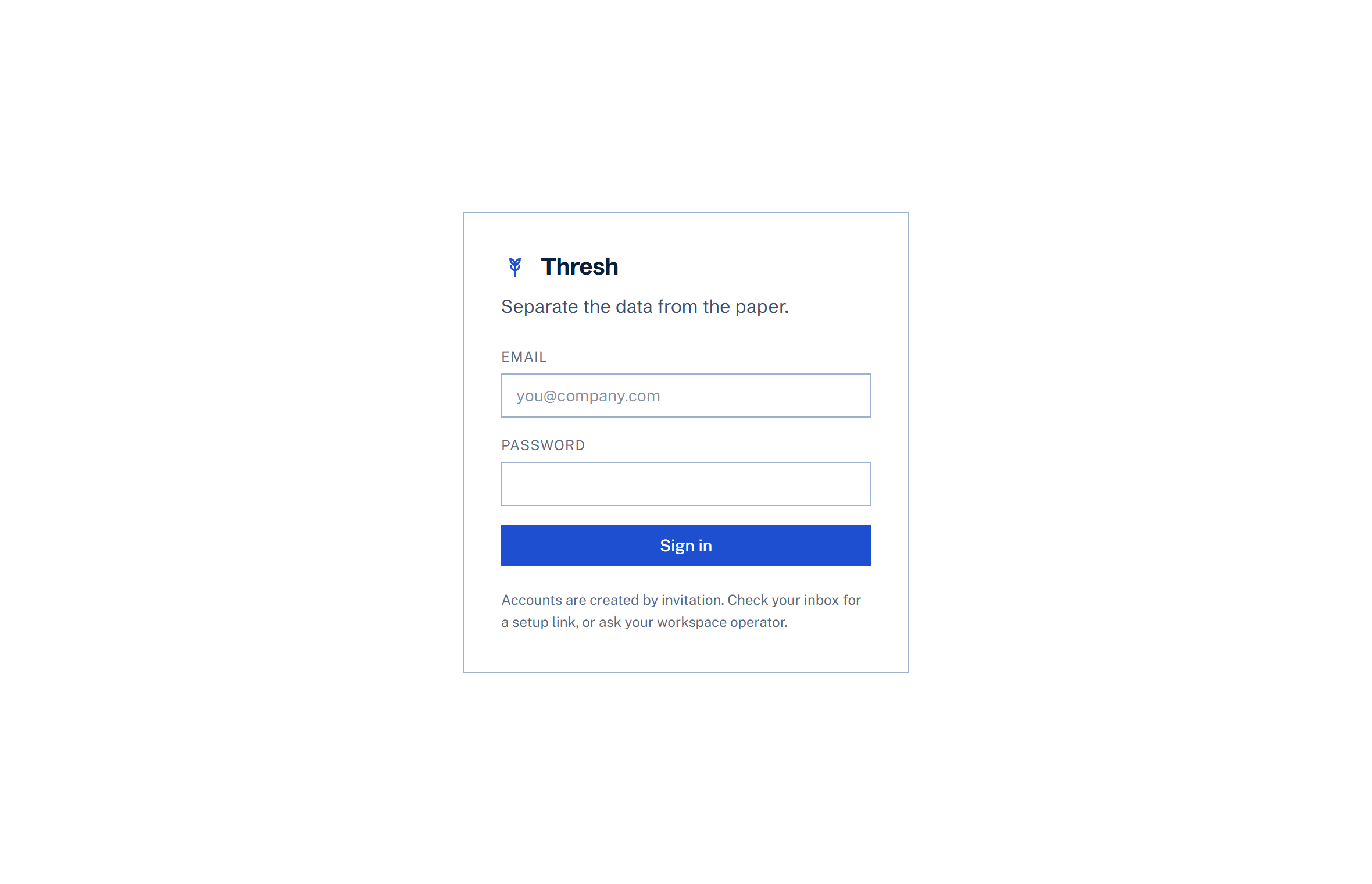
1. Sign in
Thresh is invite-only right now. Your invitation email contains a one-time link where you set a password; after that, sign in at usethresh.com. Want an invite? Write to support@usethresh.com.
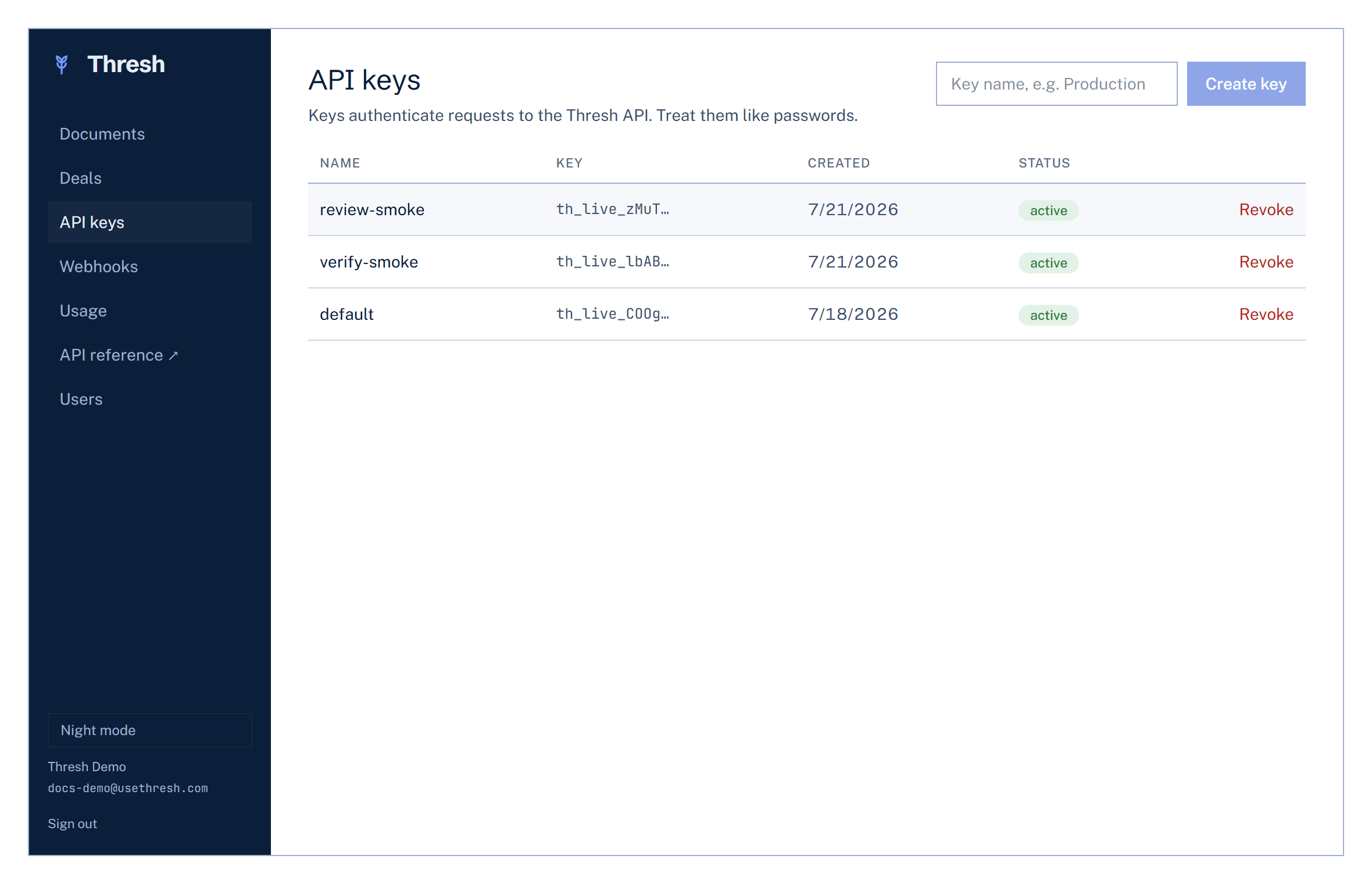
2. Create an API key
Keys live under API keys in the sidebar. Create one, copy the th_live_ secret immediately (it is shown exactly once), and keep it server-side. Keys can be revoked at any time, and every key action is recorded in your workspace audit log. Key management needs an admin or developer seat; members of a workspace work entirely in the console and never need one.
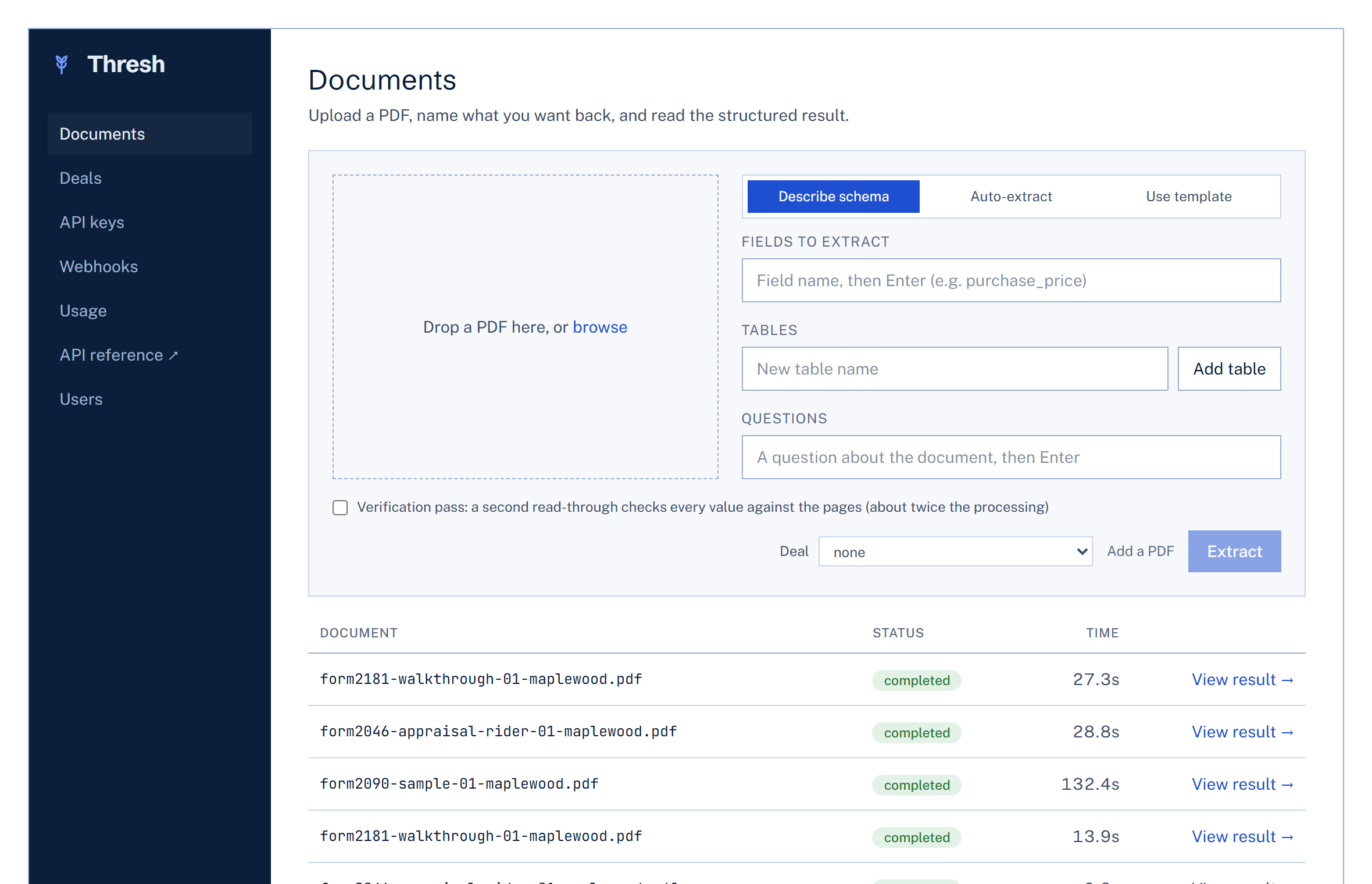
3. Upload a document
On the Documents page, drop in a PDF and choose a mode (members of a workspace see two: their admin's saved templates and Auto-extract). Describe schema is the precise one: name your fields, define tables with their columns, and ask plain-language questions.
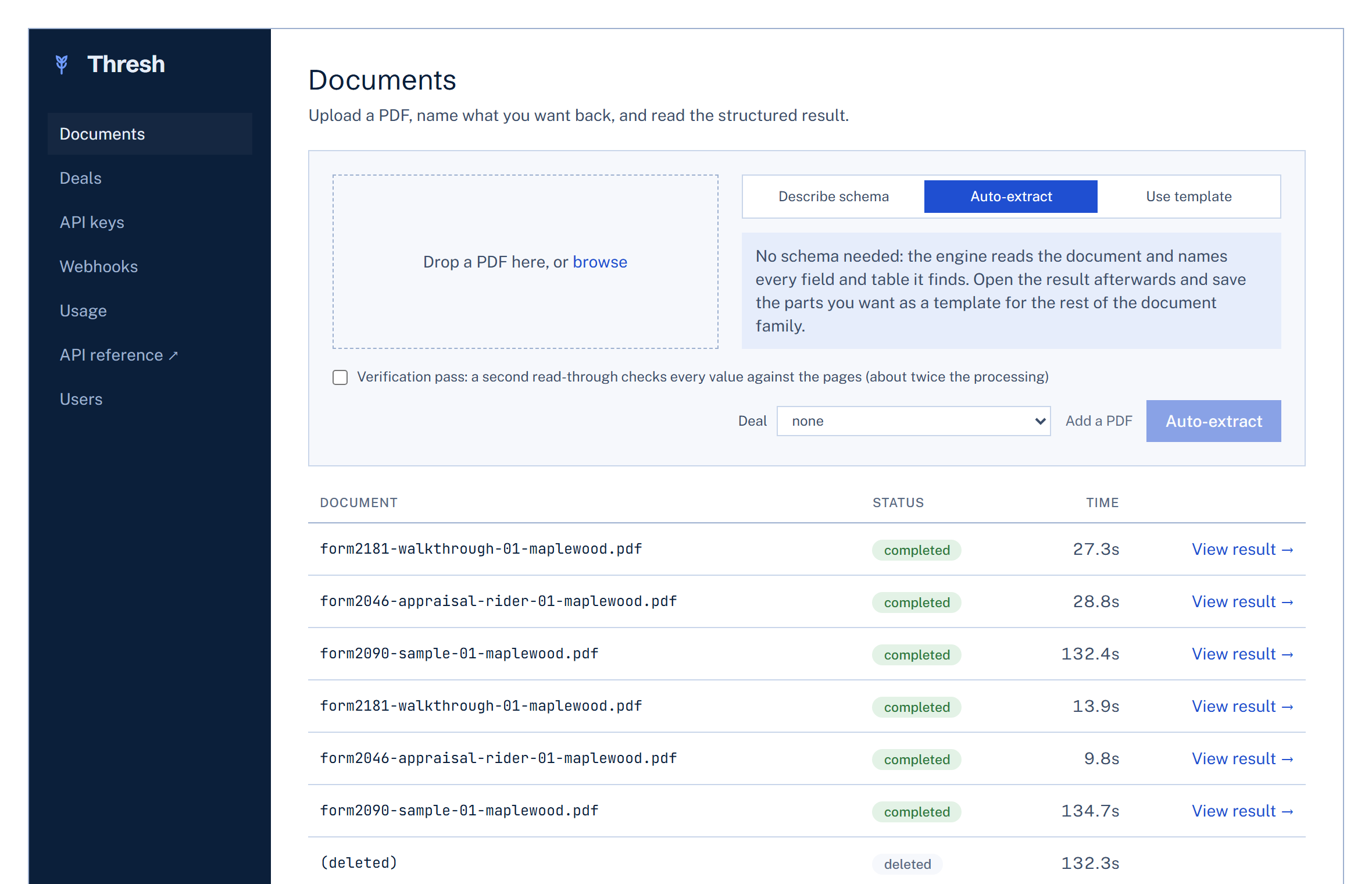
No schema in mind yet? Auto-extract reads the document and names every field and table it finds. It is the fastest way to see what Thresh can pull from your paperwork.
4. Read the result
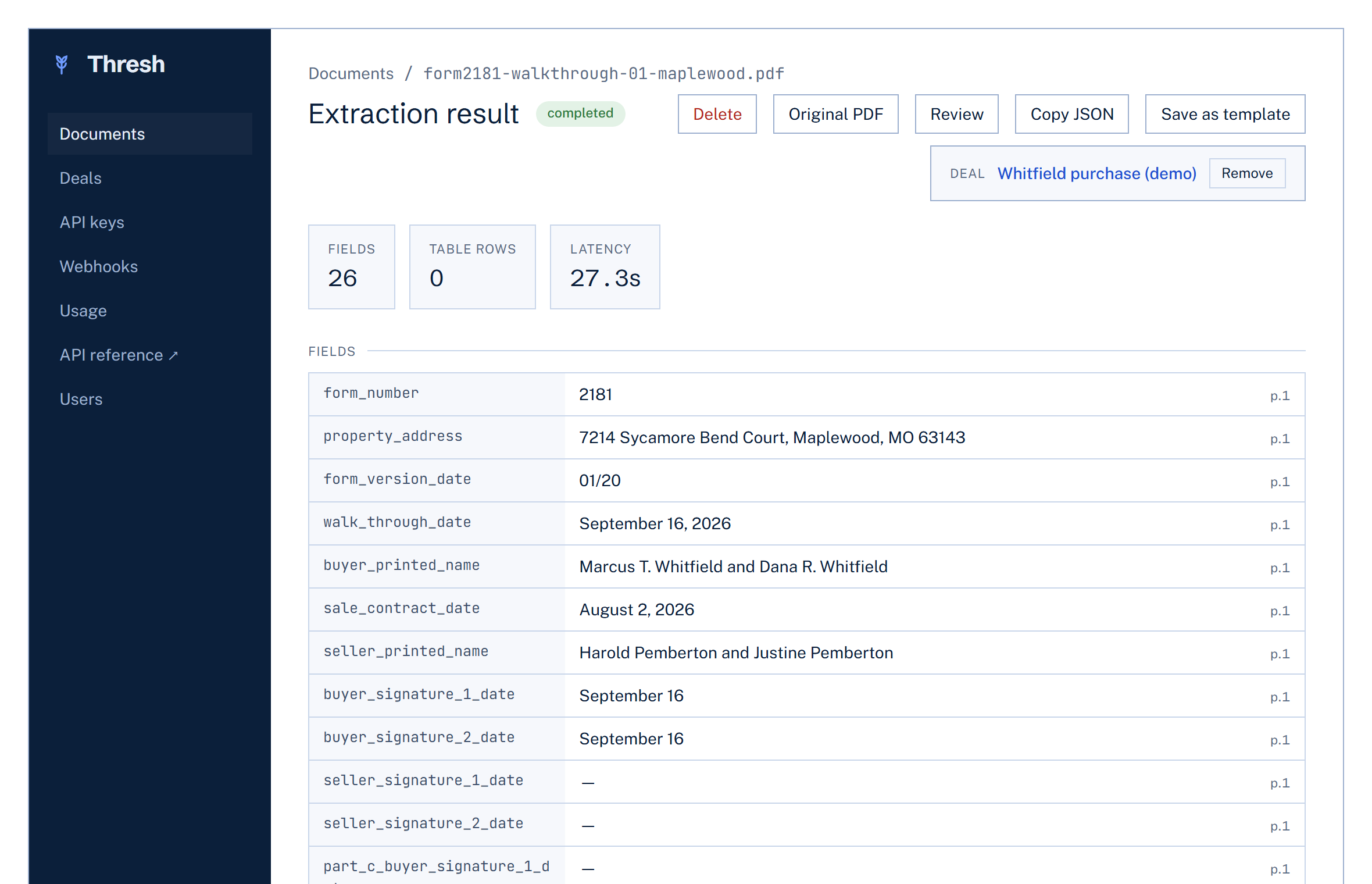
Extraction usually takes seconds for simple documents (a dense 60-field form can take a few minutes). The result page shows every field, table, and answer. On admin and developer seats, Copy JSON gives you the raw payload and Save as template turns this document's schema into a reusable template for the rest of the family.
Where next
The SDKs page shows the same loop in code (Python and TypeScript), and Concepts covers specs, templates, webhooks, and the value conventions in depth. The full endpoint-by-endpoint API reference is always available.